
Learning Center · Centering
How to Center Different Card Layouts
Practical Card Setup reference · Real card examples
Card Setup has two separate choices. Card orientation describes whether the physical card is presented vertically or horizontally. Centering layout chooses which visible design edges are compared. Choose both before upload when possible so automatic card placement starts with the expected shape.
1. Choose the card's orientation
Choose Portrait for a card that is taller than it is wide. Choose Landscape for a card that is wider than it is tall. Orientation helps the tool recognize the expected physical card shape. It never renames or rotates the physical left, right, top, or bottom edges.
2. Choose the centering layout
Choose Standard when opposite printed borders are the corresponding references. Choose E-Reader only when the asymmetric design genuinely uses Left ↔ Bottom and Top ↔ Right. Each displayed pair is calculated independently.
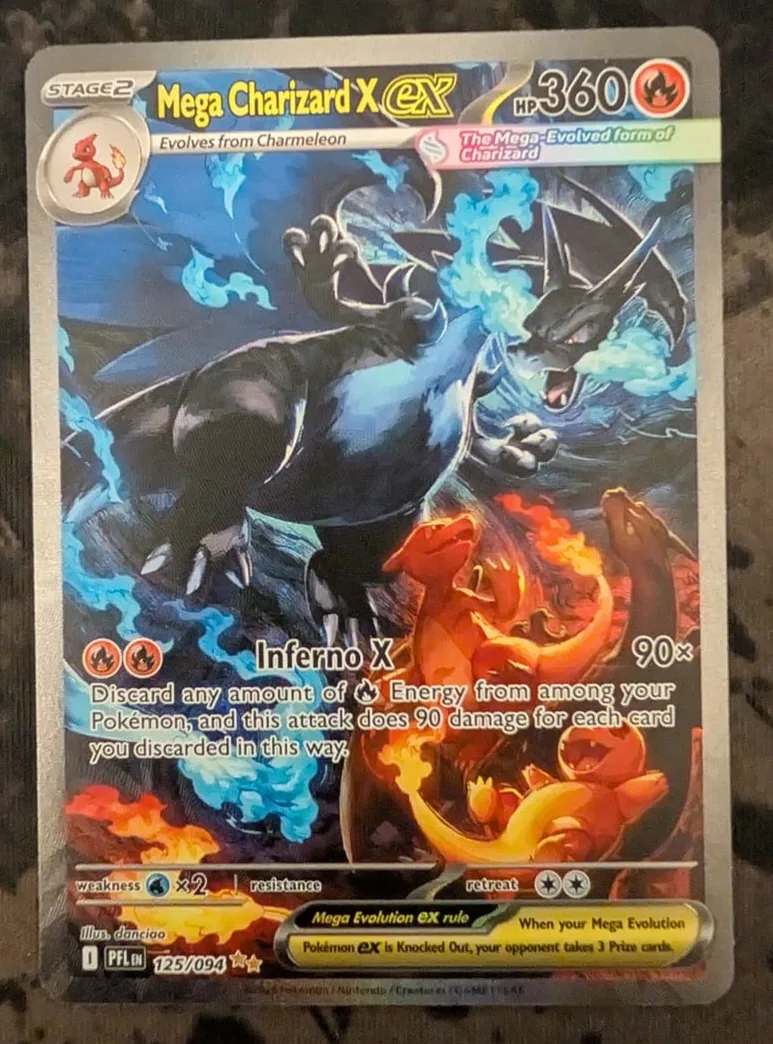
Standard portrait
Use this for typical Pokémon cards, typical portrait sports cards, and other conventionally bordered portrait trading cards.
- Orientation
- Portrait
- Centering layout
- Standard
The tool compares Left ↔ Right and Top ↔ Bottom as two independent measurements.
Standard landscape
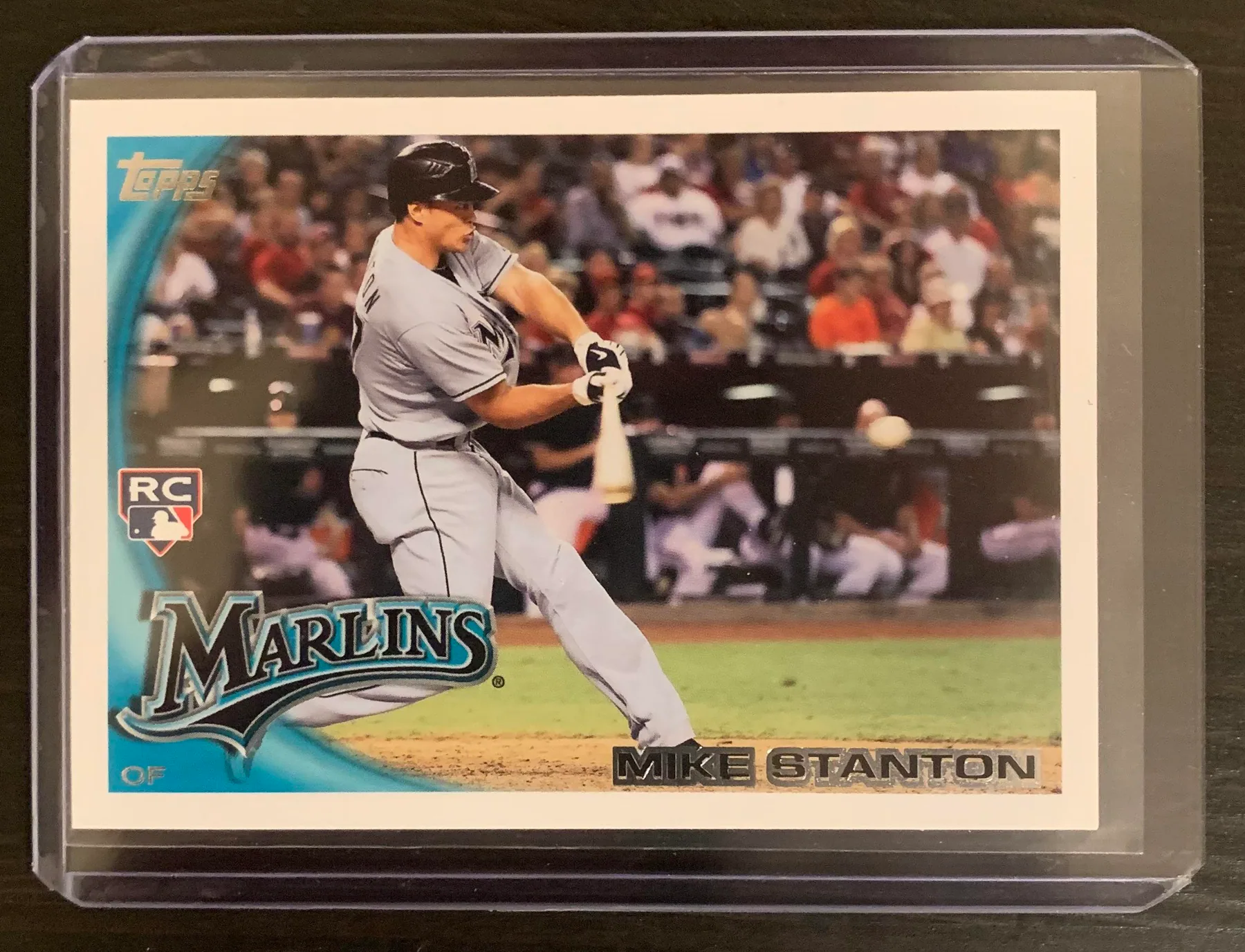
Use this for horizontal sports cards and other normally bordered cards printed in landscape orientation.
- Orientation
- Landscape
- Centering layout
- Standard
Landscape changes the card orientation used by the tool. It does not change which borders are compared. The measurements remain Left ↔ Right and Top ↔ Bottom. This example is inside a clear holder; use the card's own visible white edges, not the holder edges, as the physical boundary.
E-Reader / asymmetric
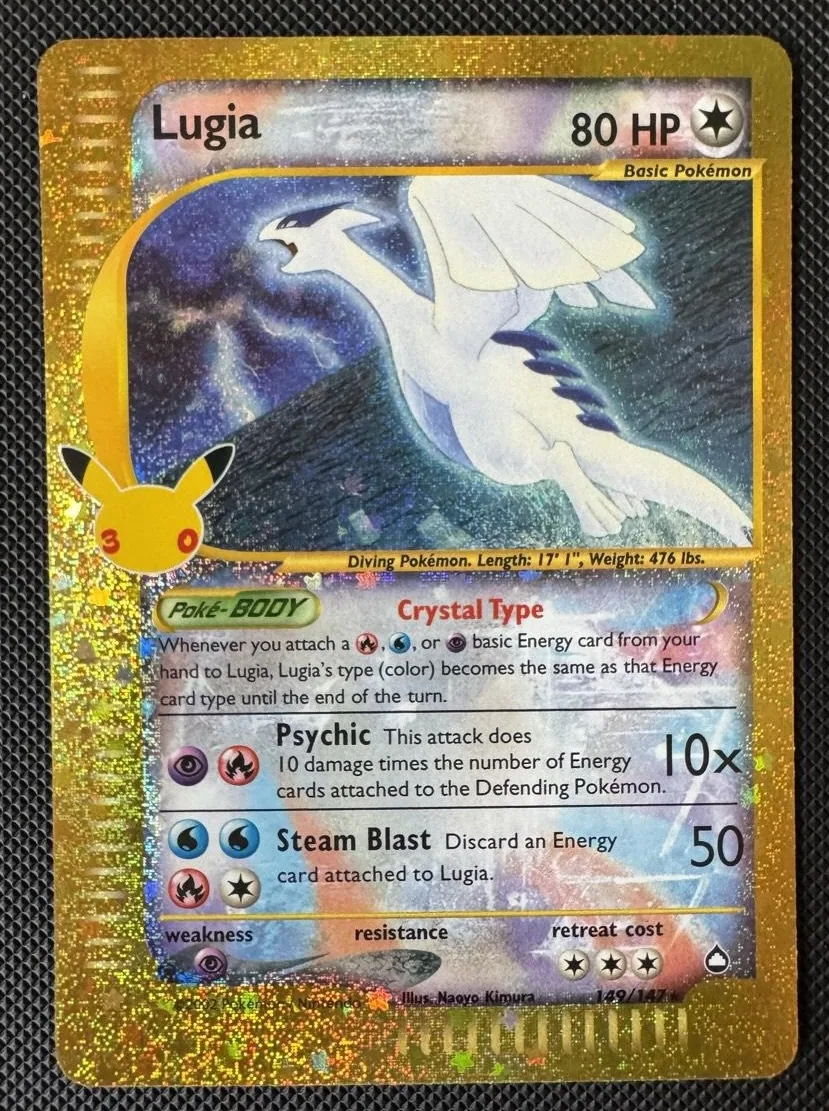
Use this for Pokémon e-Reader-style layouts where the corresponding printed edges do not use the normal opposite-edge relationship.
- Orientation
- Portrait
- Centering layout
- E-Reader
The tool makes two independent comparisons: Left ↔ Bottom and Top ↔ Right. It does not add Left and Bottom together or compare that sum with Top and Right.
The E-Reader layout changes which visible design edges the tool pairs for the centering measurement. It is a layout measurement option, not an official grading-company formula.
What if my card does not fit one of these layouts?
Do not invent a pairing. Use Standard when opposite printed borders are the corresponding references. Use E-Reader only when the asymmetric design genuinely follows the documented Left ↔ Bottom and Top ↔ Right pairing.
Some borderless or intentionally irregular designs do not provide a repeatable centering reference. In that case, a reliable ratio may not be available. The borderless and asymmetric centering guide explains how to decide when to stop measuring.